
A low monthly subscription can become an expensive workflow when a small team has not assigned account ownership, documented customer-data rules, or defined when a person should take over. The useful buying question is not “Can this tool send an automatic reply?” It is “Can our team operate this safely, consistently, and at a cost tied to a real business outcome?”
This guide gives business owners a neutral way to evaluate social messaging automation before committing money or customer data. It does not recommend a particular vendor. It focuses on the operating controls that remain important whichever platform a team considers.
Price the complete customer-conversation workflow
The subscription is only one line in the cost model. A realistic estimate includes setup time, copy review, account administration, integration work, testing, monitoring, and the staff time needed for exceptions. If an automation creates more unclear conversations than it resolves, the team may spend more time fixing replies than it saves.
Build a monthly cost estimate with a simple formula:
Total operating cost = platform fee + connected-service fees + setup hours + review hours + exception-handling hours.
Use the actual hourly cost of the people who will maintain the workflow. Include a recurring review allowance rather than treating setup as a one-time event. Prices, limits, and plan inclusions can change, so compare the current vendor page with an independent review of messaging automation costs and limitations before approving a budget.
| Cost area | Question to answer | Evidence to keep |
|---|---|---|
| Platform | Which current plan covers the required contacts, channels, and team roles? | Dated plan page and written scope |
| Implementation | Who builds, reviews, and tests each conversation path? | Owner list and estimated hours |
| Operations | Who handles unclear, sensitive, or failed conversations? | Handoff rules and response rota |
| Governance | Who reviews permissions, data fields, and policy changes? | Monthly control checklist |
Map customer data before connecting an account
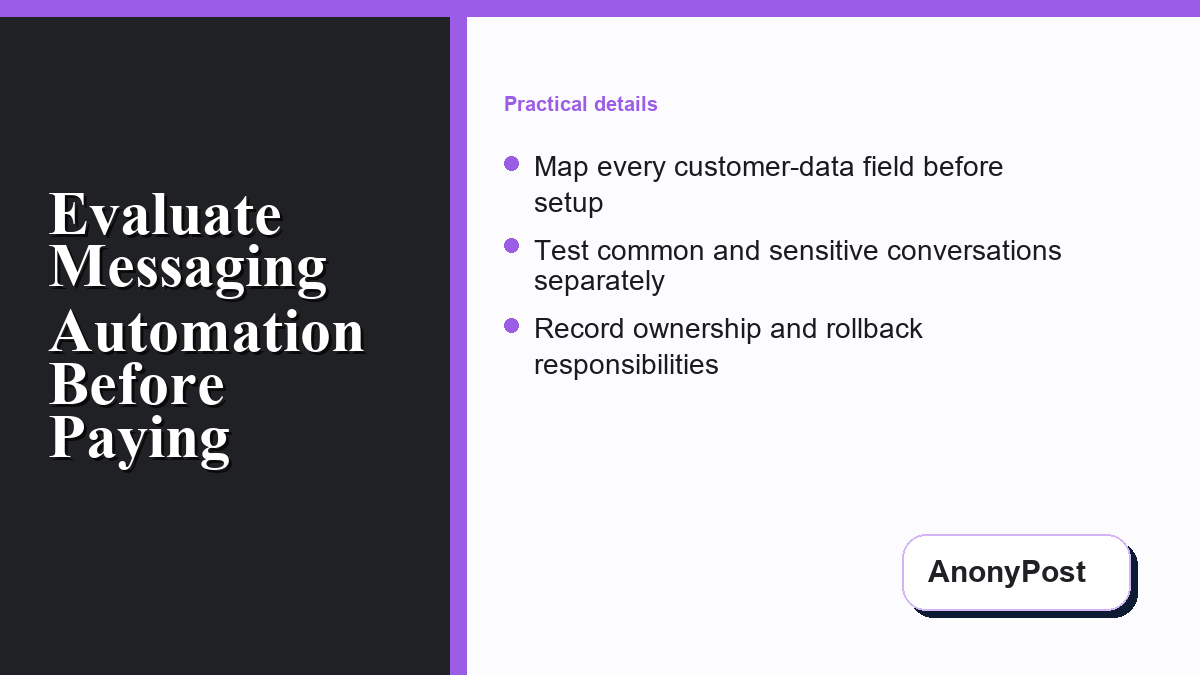
List every field the workflow may receive, store, copy, or send to another system. Separate ordinary conversation details from sensitive information such as payment data, identity documents, account credentials, health information, or private support records. If the automation does not need a field to complete the approved task, do not collect it.
The Federal Trade Commission’s business data-security guidance emphasizes knowing what personal information a business holds, keeping only what it needs, protecting it, and disposing of it securely. Apply that discipline before connecting a page, inbox, form, spreadsheet, or customer platform.
Write a short data map that names the source, destination, purpose, retention period, and deletion owner for each field. For a related privacy-first research process, AnonyPost explains how to research SaaS offers without exposing unnecessary account data.
Limit permissions and make ownership visible
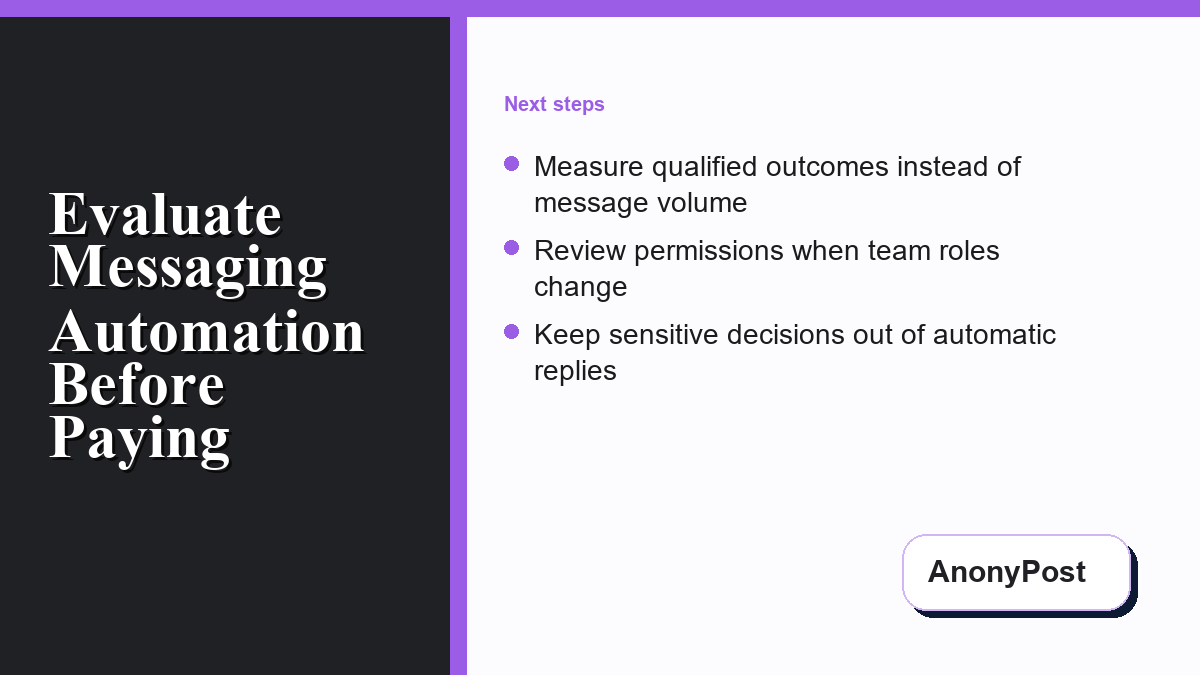
A shared administrator login makes it difficult to determine who changed a workflow or remove access when a role changes. Give each person an individual account where the platform supports it. Assign only the permissions required for that person’s job, and keep a separate owner who can recover access if an administrator leaves.
NIST defines least privilege as restricting access to the minimum necessary to perform assigned tasks. For a messaging workflow, that means a copy reviewer may not need billing control, an analyst may not need publishing rights, and a contractor may not need permanent access after handoff.
Record the primary owner, backup owner, billing owner, content reviewer, privacy contact, and escalation contact. Review that list when a team member changes jobs, a contractor finishes, or the connected page changes ownership.
Design human handoff before automating replies
Automation works best for bounded, repeatable questions with reviewed answers. It should not make sensitive decisions, promise a refund, approve a payment exception, confirm account ownership, or interpret a dispute without a person reviewing the context.
Define the conditions that stop automation and route the conversation to a person. Examples include a customer asking for deletion, reporting fraud, disputing a charge, mentioning a safety issue, sharing credentials, or repeating a question the approved answer does not resolve.
Each handoff rule should name the destination, response owner, expected review window, and customer-safe acknowledgment. Avoid claiming that a person will respond within a time the team cannot consistently meet.
Test a controlled set of conversations
- Start with five common questions. Use approved information and one clear next action for each answer.
- Add ambiguous wording. Confirm the workflow asks for clarification instead of inventing context.
- Add sensitive scenarios. Verify payment, privacy, security, and account-access requests reach a person.
- Test missing data. Check that an unavailable product detail or policy produces a safe limitation message.
- Test permissions. Confirm reviewers cannot change billing and analysts cannot publish.
- Test rollback. Keep the prior approved version and prove the owner can restore it.
- Record results. Save the date, tester, expected outcome, actual outcome, and repair decision.
Measure qualified outcomes instead of message volume
A large message count does not show that the workflow helped the business. Choose measures tied to the purpose of the automation: completed appointment requests, correctly routed support cases, qualified product questions, resolved hours-of-operation requests, or conversations that reached the right human owner with enough context.
Review false positives as carefully as successful paths. A workflow that incorrectly labels a customer, hides an unresolved question, or routes a private request to the wrong person creates risk even if its overall message volume looks impressive.
Use a small weekly sample of conversations to compare the automated outcome with the reviewed outcome. Remove unnecessary data from the review copy. If your team also conducts confidential business research, this AnonyPost guide explains how to separate early research from identifiable outreach.
Use a purchase-readiness checklist
- The current plan and usage limits are saved with a review date.
- The complete monthly operating cost is estimated.
- Every connected account has a named owner and backup owner.
- Individual roles follow least-privilege access.
- Collected data has a documented purpose and retention period.
- Sensitive requests route to a person.
- Common, ambiguous, and failure scenarios have been tested.
- The prior approved workflow can be restored.
- Success measures reflect qualified business outcomes.
If any of these items is unresolved, use a fixture or limited internal test before connecting a live customer channel. A smaller controlled pilot provides better evidence than a broad launch with unclear ownership.
Frequently asked questions
Should a small team choose a messaging tool based on subscription price alone?
No. Include implementation, testing, review, exception handling, connected-service, and governance costs in the comparison.
Which customer data should a messaging workflow collect?
Collect only the fields required for the approved task. Document the purpose, destination, retention period, and deletion owner before connecting live channels.
When should an automatic reply hand the conversation to a person?
Use human review for privacy, payment, security, account ownership, disputes, safety concerns, unclear intent, and questions not covered by approved information.
How should a team divide access permissions?
Use individual accounts and give each person only the permissions needed for their role. Review access whenever responsibilities or contractors change.
What should a team test before using automation with customers?
Test common questions, ambiguous wording, sensitive requests, missing information, permissions, escalation, and exact rollback to the prior approved workflow.